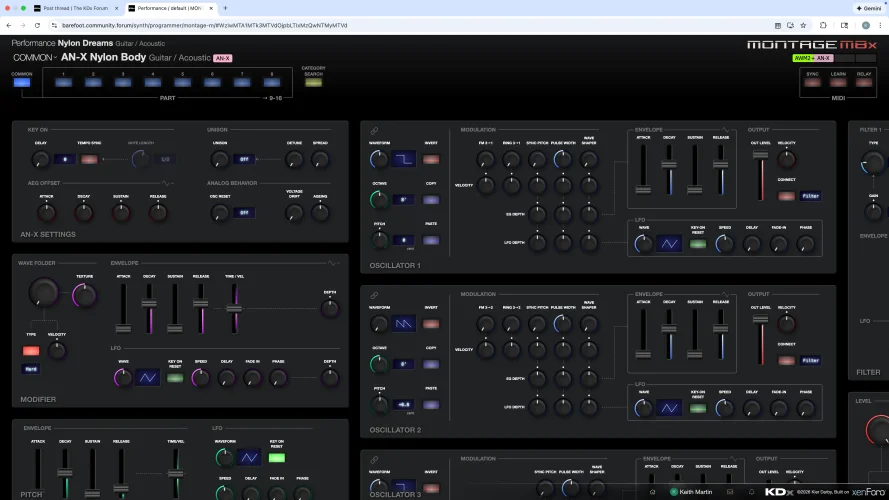
Access KDx live editor and some areas of the editing screen.

Keith Martin

New member
New user here.

1) How do I access the KDx live editor? In watching one of your video it appeared you accessed from top right corner but I don't see where.

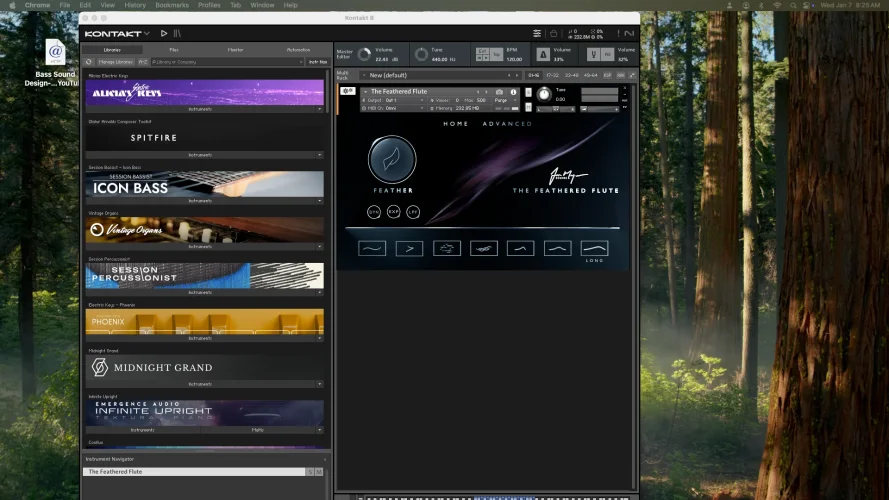
2) Looking at the screen shot, ignore the first screen shot with NI, how do i view the areas to the right of the screen?

Thanks,

Keith
 

Attachments

  • Screenshot 2026-01-07 at 9.25.47 AM (2).webp
    Screenshot 2026-01-07 at 9.25.47 AM (2).webp
    215.4 KB · Views: 3
  • Screenshot 2026-01-07 at 9.25.47 AM.webp
    Screenshot 2026-01-07 at 9.25.47 AM.webp
    297 KB · Views: 3
Solution
I've deployed a fix so that the menu will show for you. The code was set to only show the menu if there was more than one compatible synth connected, but that doesn't make sense now that the menu is also used to launch the live set editor.
You should be able to open the synth chooser menu by clicking the Montage M8x logo in the top right of the screen, which should open a menu where you can launch the Live Set editor using the graphic to the right of the synth name.

In your case, I can't see the drop-down gadget to suggest that the menu is working. I'll look into why that is, but in the meantime, just go back to the main chooser screen and click the live set gadget to the right of the Montage logo on there, or access it directly with this link:

https://barefoot.community.forum/synth/live-set/montage-m/ (this link will only work for Montage M)
 
I've deployed a fix so that the menu will show for you. The code was set to only show the menu if there was more than one compatible synth connected, but that doesn't make sense now that the menu is also used to launch the live set editor.
 
Solution
Yes I can see KDx LSE with that link AND I can see the ^ Next to Montage M logo in the top right corner on THIS page.
BTW when I open up your performance editor screen there are many panel from left to right but I can only see the first couple of inches of the 3rd column. Is this browser issue, app issue, screen issue? Is there a way to scroll more to the right, I don't see scroll bars.

Amazing job on all you do. Videos are awesome.
 
BTW when I open up your performance editor screen there are many panel from left to right but I can only see the first couple of inches of the 3rd column. Is this browser issue, app issue, screen issue? Is there a way to scroll more to the right, I don't see scroll bars.

Amazing job on all you do. Videos are awesome.
Could you do a short screen recording so I can see this happening, please?
 
Back
Top