Sync failed - renewed sync

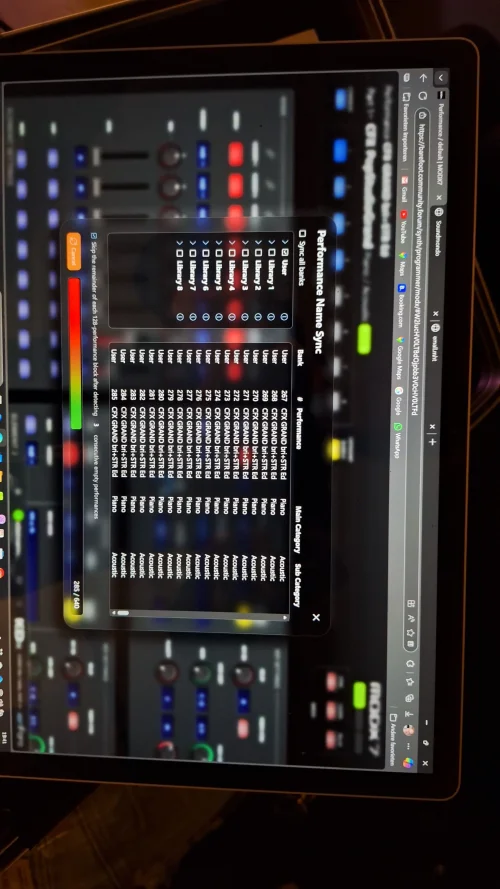
Something went wrong while syncing which I aborted. After that I see a performance name repeated now many times in kdx though fortunately not changed in the modx. How can I redo this sync operation?

Your answer (Kier) :
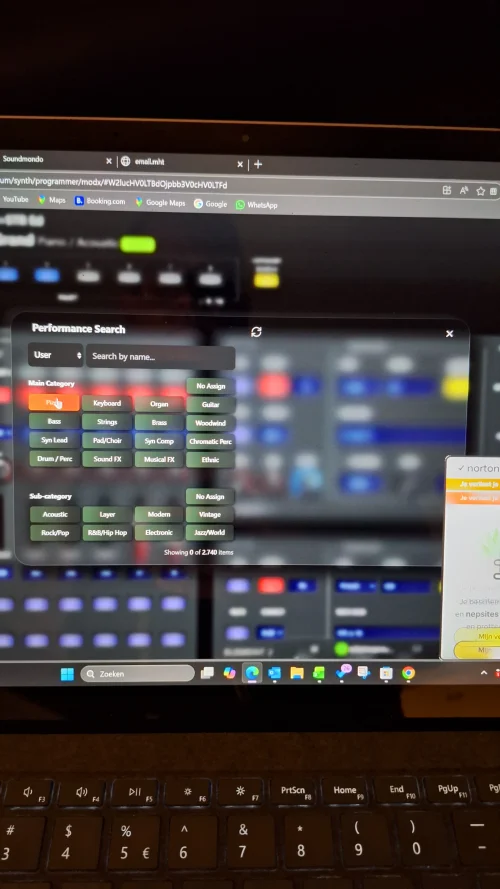
I don’t have an easy way to re-run the sync via the UI yet, but you can do it via the browser console while viewing the live set editor.

Enter this command exactly:KDx.Synth.showProgramNameSyncDialog()

Then press return and the sync dialog will appear
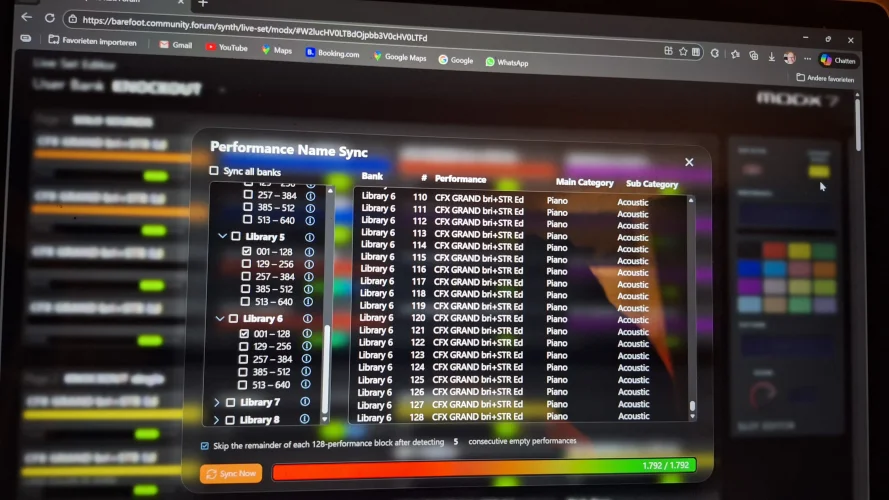
 
I executed and indeed it runs again the original sync dialogue. After selecting the different user/ library files it executes the routine

however:
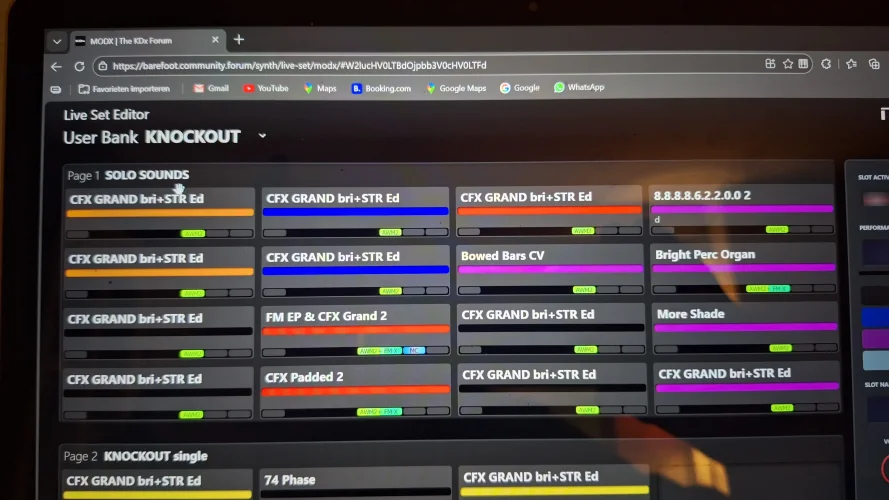
during the routine I see same performance name being read
  1. it is the original performance name that was active in programmer mode BEFORE I started the sync routine in live editor
  2. the names inKDX live set editor is mixed with slots with these sane names HOWEVER in my MODX it is fortunately the original name
  3. and also when shifting Live slots it still shows the original name in the MODX, not in the live set editor

    See images
 

Attachments

  • 20260105_211600.webp
    20260105_211600.webp
    745.7 KB · Views: 4
  • 20260105_211644.webp
    20260105_211644.webp
    629.7 KB · Views: 4
  • 20260105_211650.webp
    20260105_211650.webp
    1.4 MB · Views: 4
Okay, the good news is that I have seen this before. The bad news is that I was sure that I fixed it already.

The issue is a rather silly design flaw in the Montage architecture: There are some settings you can make within a performance, that will prevent the synth from receiving an MSB/LSB/PC MIDI message to load a new performance - what you are seeing here is your MODX being sent a command to load a new performance, but refusing to do so, which means that the KDx sync tool ends up just reading the same performance data over and over again...
 
What we need to do now is identify what settings are causing the program change command to fail.

With the offending 'CFX GRAND bri+STR Ed' performance loaded, please take photos or screengrabs of the following, and upload them here:
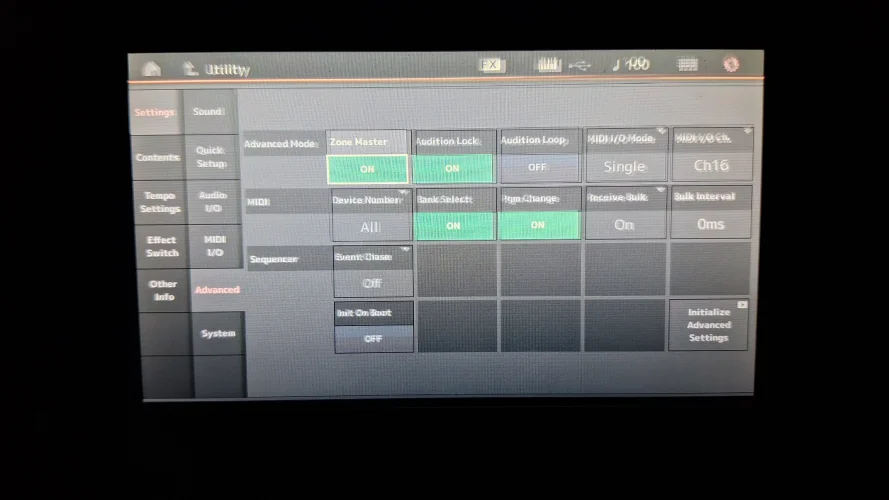
  1. [UTILITY] > Settings > Advanced
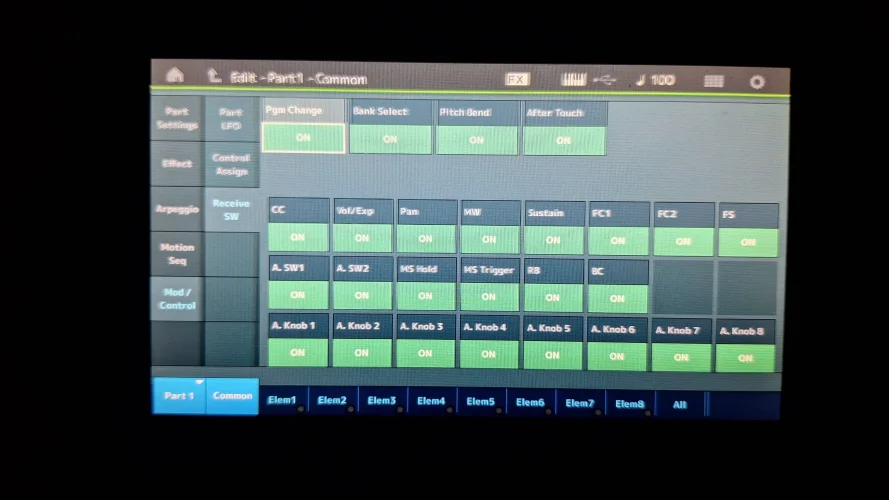
  2. [PERFORMANCE HOME] > [EDIT] > Part 1 > Common > Receive SW
Hopefully this will be enough for me to work out what's going wrong.

It might also be useful to sync that performance to SoundMondo, then post a link to it here so I can fully inspect it.
 
hi Kier, thank you for your swift support
Here the requested screenshots. Will upload the performance at soundmondo and share
 

Attachments

  • 20260106_190707.webp
    20260106_190707.webp
    1.2 MB · Views: 1
  • 20260106_190950.webp
    20260106_190950.webp
    1.1 MB · Views: 1
@edwinvanrutten I have just been debugging the problem with @HaPe and I think we may have found the cause.

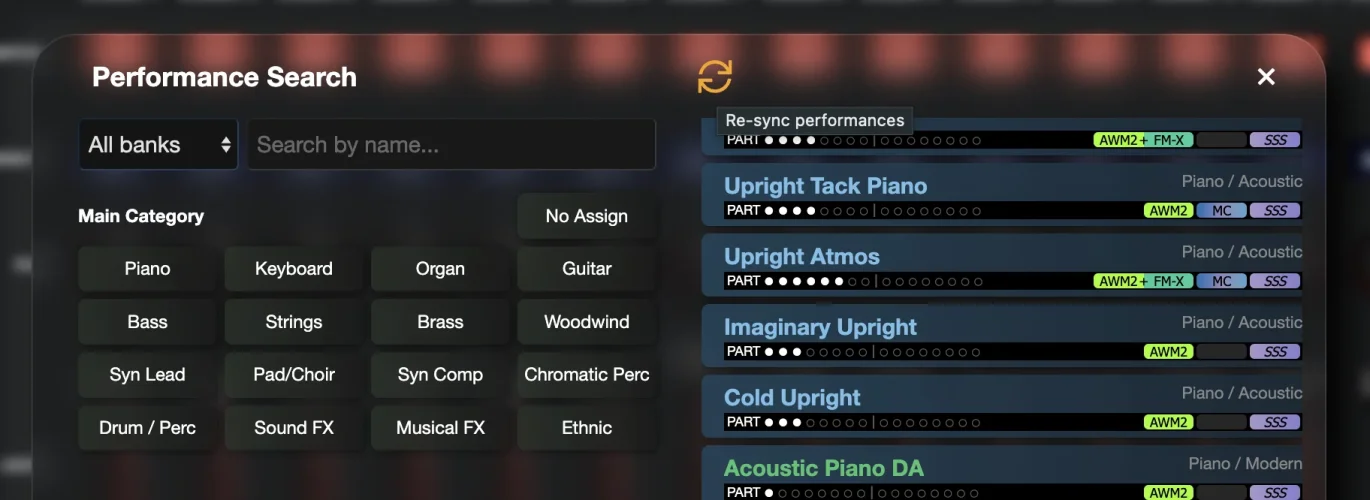
Could you try a sync again (you can now trigger it using the new sync icon in the category browser, above the list of performances) and let me know how it goes, please?

1767724550087.webp
 
The button works to start sync process
Only took the user Library for testing
Still see same perf name being listed
 

Attachments

  • 20260106_194132.webp
    20260106_194132.webp
    565.8 KB · Views: 1
Thanks Edwin. I'm going to clear all those duplicates from the db again for you, and I'll let you know if i find anything odd within the performance.
 
I can confirm that your performance does exactly the same thing on my Montage - I can't use MIDI program change to load another performance.

Now to track down why...
 
Well that's interesting... your performance appears to be some sort of synth killer! As soon as I load it, my Montage refuses to respond to program change instructions at all until I turn it off and on again.

I've seen performances that prevent program change from working while they are loaded but not one that continues to prevent program changes after you manually change to another performance on the synth.

The plot thickens!
 
Hmm,

Same interesting question could also be : why this performance? (it should not be that special as it is a factory performance I edited and stored as user performance

Is it coincidental that it is the 1st slot of the first page of the user live sets?
 
Back
Top