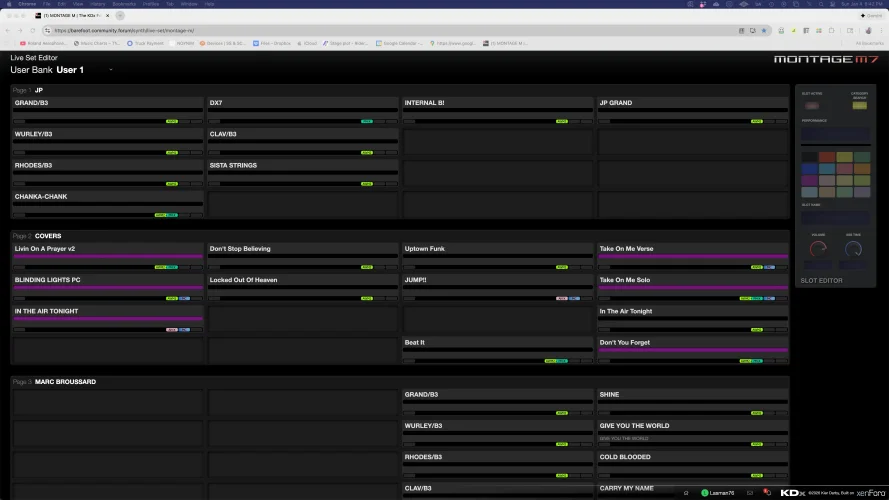
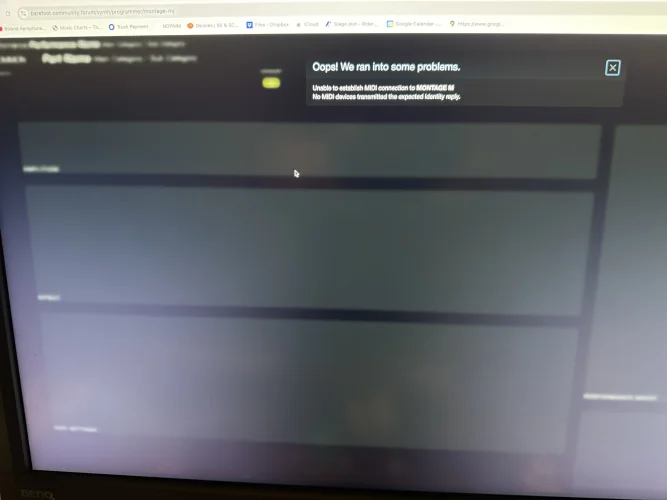
Hello, I’m this error when trying to open the Programmer. I was just previously able to open and use the Setlist Editor. Mac using Google Chrome with

Synthesizer
MONTAGE M
Browser
  1. Chrome
Operating system
macOS
Hello, I’m this error when trying to open the Programmer. I was just previously able to open and use the Setlist Editor.

Montage M7 FW 3.00 (tried using both Generic and vendor driver - Setlist Editor was working with Generic)
Mac using Google Chrome

Thanks in advance!
 

Attachments

  • IMG_6301.webp
    IMG_6301.webp
    445.9 KB · Views: 4
If the Live Set editor worked with your M7, the Programmer should work just fine, as they both initiate MIDI communication in the same way.

Stick with the Generic USB driver and verify that the M7 is set to use USB as its MIDI connection type. Try going back to the Live Set editor to see if that still works, and if it does try the Programmer again.
 
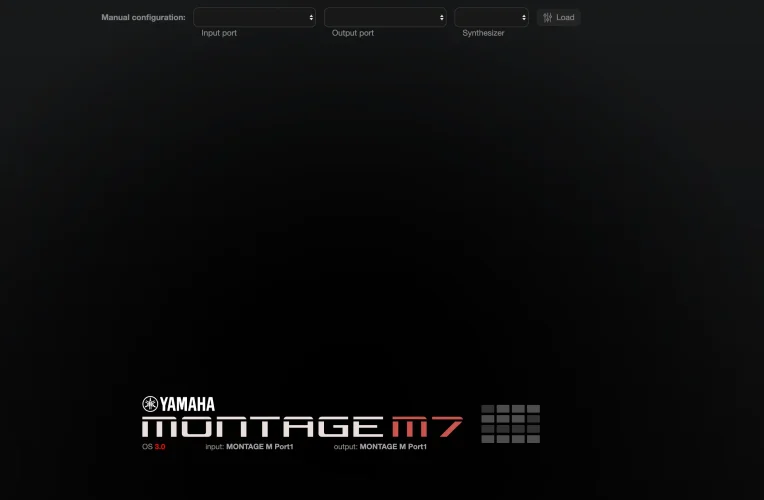
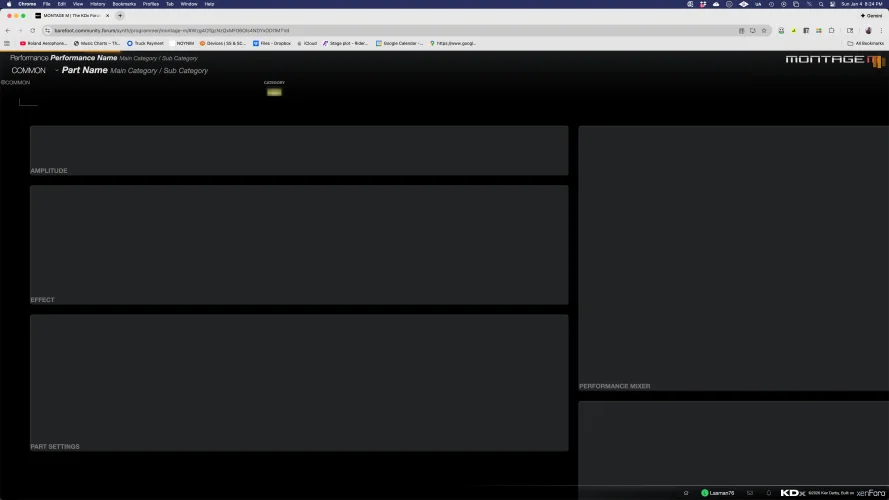
Interesting, it does seem to see the Montage and the MIDI ports, but then when I click on the tile for the Montage, this other screen pops up, and the error appears. Also tried the manual settings. For some reason, I now cannot get back to the Setlist Editor. Is there a direct link for that?
 

Attachments

  • Screenshot 2026-01-04 at 8.23.20 PM.webp
    Screenshot 2026-01-04 at 8.23.20 PM.webp
    30.8 KB · Views: 3
  • Screenshot%202026-01-04%20at%208.24.29%20PM%20(2).webp
    Screenshot%202026-01-04%20at%208.24.29%20PM%20(2).webp
    122.8 KB · Views: 3
You can access the Montage M live set editor directly with this link:

However, I don't think that you will have much luck - as it looks like your Montage is being flakey in its MIDI communication. Your previous error message suggests that the Montage wasn't responding with the identity response fast enough, and now it looks like it's not delivering the parameter responses in time for the editor.

I'd suggest rebooting the Montage, and maybe your Mac as well, in case there's some sort of MIDI message storm going on.
 
FWIW you can go directly to the Live Set editor from the synth chooser list in your first screenshot - it's the grid icon to the right of the synth name.
 
I have a feeling it may be my computer. I’m limping on it until my new MacBook arrives. I do have another computer I can. I’ll try it in the morning. Thanks for all your help!
 
And if you go to the programmer from there, do you get the explicit error, or the empty panels problem? Does the same thing happen with every refresh?
 
I have a feeling it may be my computer. I’m limping on it until my new MacBook arrives. I do have another computer I can. I’ll try it in the morning. Thanks for all your help!
That’s possible, but apart from the GPU load in order to render the interface, KDx is pretty light on computer resources. A reboot of the whole system may well help.
 
Please let me know how you are doing - if there's still a problem I'd like to be 100% sure it's not at the KDx side of things.
 
Just an FYI - I have now updated the Programmer and Live Set editor so they both use exactly the same MIDI connection routine. Therefore, if one works then the other should work, unless your system is for whatever reason not replying to MIDI requests before the timeout.

The programmer makes a lot more MIDI requests than the live set editor, so if your system is slow in responding, this could be the cause of the problem.

Either way, let me know how you get on.
 
Ok, just got back on. I've got it working! After playing around with it more, I ended resetting Google Chrome. Thanks so much for all your help!!
 
Back
Top